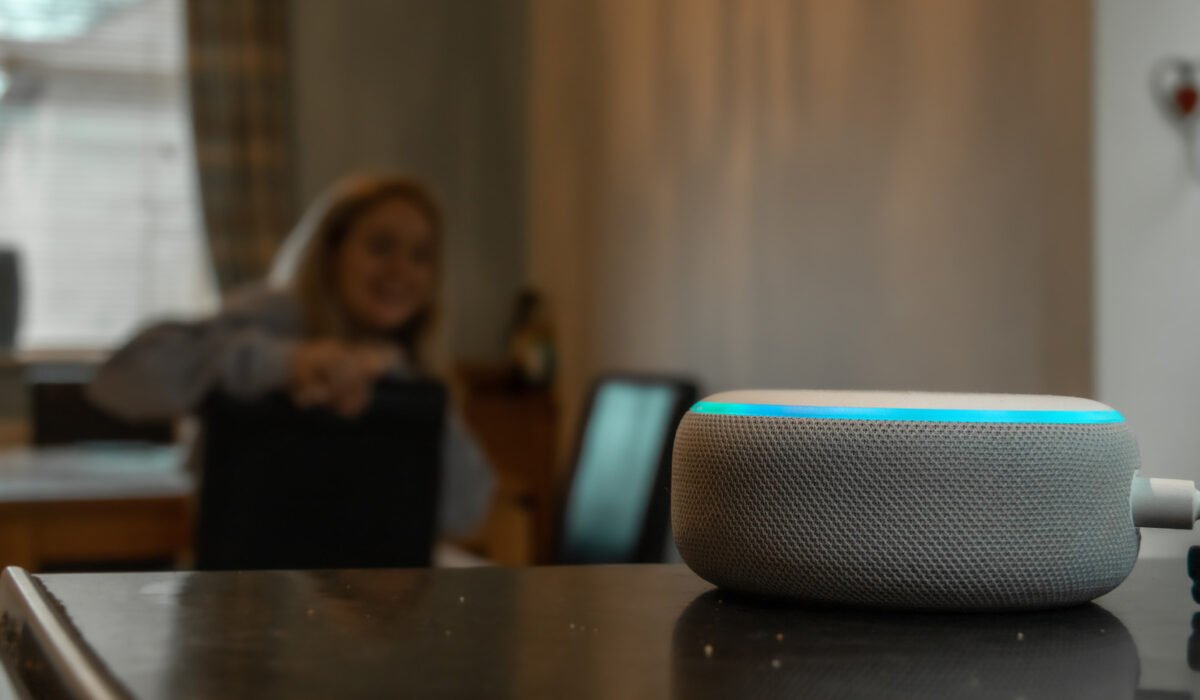
Amazon’s Alexa has become a fixture in many homes, with more than 600 million Alexa‑enabled devices sold worldwide since the service launched. While the sheer number of units does not equal the number of active users, it does raise privacy questions for many people. Amazon’s recent product announcements, including a new line of tablets that integrate Alexa, suggest the ecosystem will keep expanding. The presence of a microphone‑focused assistant in every room can feel intrusive, especially as Alexa’s capabilities grow with the rollout of Alexa+ for broader real‑world uses. But is the device truly listening to every conversation? The answer depends on how you define “listening.”
From a technical standpoint, Alexa does not record every word spoken near it, according to Amazon. The device continuously monitors ambient sound for acoustic patterns that match its wake word, similar to hearing a familiar voice through earplugs—you may not catch the exact words, but you recognize the pattern. When the wake word is detected, Alexa switches to active listening, captures the request, and sends the audio to the cloud. This approach balances the need for responsiveness with privacy considerations. Amazon says the hardware records only the portion of audio that follows the wake word and stores it in the cloud, and users can adjust settings to further limit data collection.
The simplest way to prevent any potential eavesdropping is to mute the microphone. Most Echo devices feature a button on the top that looks like a microphone with a slash; pressing it lights a red indicator to show the mic is disabled. While this defeats the hands‑free convenience of the assistant, it offers a clear visual cue that the device is not listening.
For those who prefer to keep the wake‑word functionality, Alexa’s app provides several privacy controls. Open the Alexa app, tap the menu icon, choose Alexa Privacy, then Manage Your Alexa Data. From there, select Voice Recordings and Transcripts. You can choose to keep recordings for three months, eighteen months, indefinitely, or not at all. The same screen lets you manage other data types, such as smart‑home device logs and detected‑sound histories. Some devices also allow voice‑initiated deletion, letting you say “Alexa, delete everything I said today” or “Delete my entire voice history,” though this feature is unavailable on Alexa+ and Amazon Kids devices.
These settings affect only Amazon’s cloud storage. If you use Alexa through third‑party products like robot vacuums or smart TVs, those manufacturers may retain their own copies of the recordings even after you delete them from Amazon. Deleting voice data can also reduce Alexa’s ability to personalize responses, since the service relies on a voice profile to improve accuracy. Users who value privacy over personalization can safely remove their recordings without compromising basic functionality.