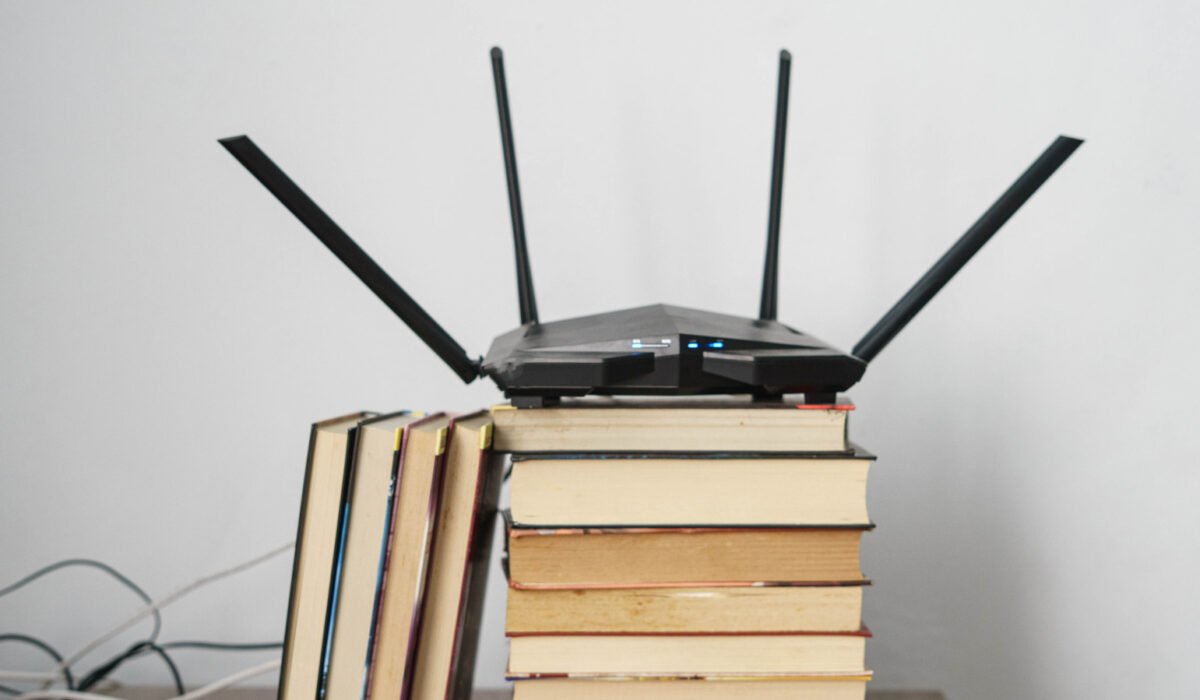
Your home is probably packed with gadgets that need a connection: phones, laptops, a TV, a gaming console, perhaps a video doorbell and a handful of smart‑home devices. Most of these devices share a single public IP address, a job handled by your router. That arrangement exists because the original addressing system, IPv4, ran out of numbers in 2011 and was superseded by IPv6, which provides enough addresses for every device on the planet many times over.
Google reports that about half of its users now reach its services via IPv6, and most modern routers support both IPv4 and IPv6 in a configuration known as dual‑stack. Enabling IPv6 won’t make your Wi‑Fi faster, and if your network is already working well there’s no urgent need to dig into router settings.
How IPv4 ran out
IPv4, introduced in 1981, uses 32‑bit addresses, giving roughly 4.3 billion possible combinations. Those numbers were exhausted when the Internet Assigned Numbers Authority handed out its final address blocks in February 2011, and North America’s pool was depleted by September 2015. Home routers cope by using Network Address Translation (NAT), which lets a single public address serve many private devices. Many ISPs now perform a similar function on a larger scale with carrier‑grade NAT, grouping multiple customers behind shared addresses. This extra layer of translation can interfere with some applications, such as online gaming, where direct connections are preferable.
In a 2013 study by CableLabs and several ISPs, typical apps like web browsers and Netflix worked fine behind carrier‑grade NAT, but peer‑to‑peer Xbox gaming failed when both players shared the same public address.
IPv6 basics
Standardized in 1995, IPv6 uses 128‑bit addresses, yielding about 340 undecillion (10³⁶) possible addresses. To put that in perspective, you could assign an IPv6 address to every atom on Earth and still have enough left for a hundred Earth‑sized planets. In practical terms, each grain of sand could hold billions of IPs, or each person could have several octillion.
Because IPv6 cannot communicate directly with IPv4, today’s networks run both protocols as the transition proceeds. NAT reduced the pressure to switch, so many ISPs and businesses have been slow to adopt IPv6 fully. Google measured IPv6 usage at just under 51 percent of its users on October 17 2026, up from about 33 percent on the same date in 2020. France leads globally at 87 percent, the United States sits at 55 percent, and China trails at just over six percent.
IPv6 at home
When IPv6 is active, each device on your network receives its own public address, generated automatically from a prefix advertised by the router. This eliminates the NAT barrier that can cause problems for gaming consoles, allowing them to connect directly to each other. Some temporary solutions have existed, such as Microsoft’s Teredo tunnel, which carries IPv6 over IPv4 to help Xbox multiplayer and chat get past home NAT. Microsoft has warned that carrier‑grade NAT can place players behind “strict” networks that degrade multiplayer performance. The low‑power mesh network Thread, used by many devices that follow the Matter smart‑home standard, also runs on IPv6. Microsoft notes that disabling IPv6 in Windows may cause “some Windows components might not function”.
Your ISP must support IPv6 for you to use it. APNIC reports that roughly 85 percent of Comcast and AT&T customers have IPv6 access, while Frontier’s coverage is below 25 percent. If your provider offers it, the option is usually found in the router’s advanced settings—for example, TP‑Link places it under Advanced > IPv6, and Eero under Settings > Advanced networking > IPv6.
When you enable IPv6, the router’s firewall takes over the role previously filled by NAT. The Internet Engineering Task Force advises home routers to block unsolicited inbound IPv6 traffic, though it also permits a “transparent mode” that many manufacturers enable by default. To keep your network secure, be sure the IPv6 firewall is active. Also, VPN applications that tunnel only IPv4 traffic can allow IPv6 packets to bypass the tunnel, potentially exposing you.
Devices that only understand IPv4 will continue to use that protocol, and turning IPv6 off on the router forces everything back to IPv4. If your current setup meets your needs, there’s no need to change it. When it’s time to replace your router, choose one with IPv6 enabled and a properly configured firewall; otherwise, every new device you add will be squeezed behind a single IPv4 address.