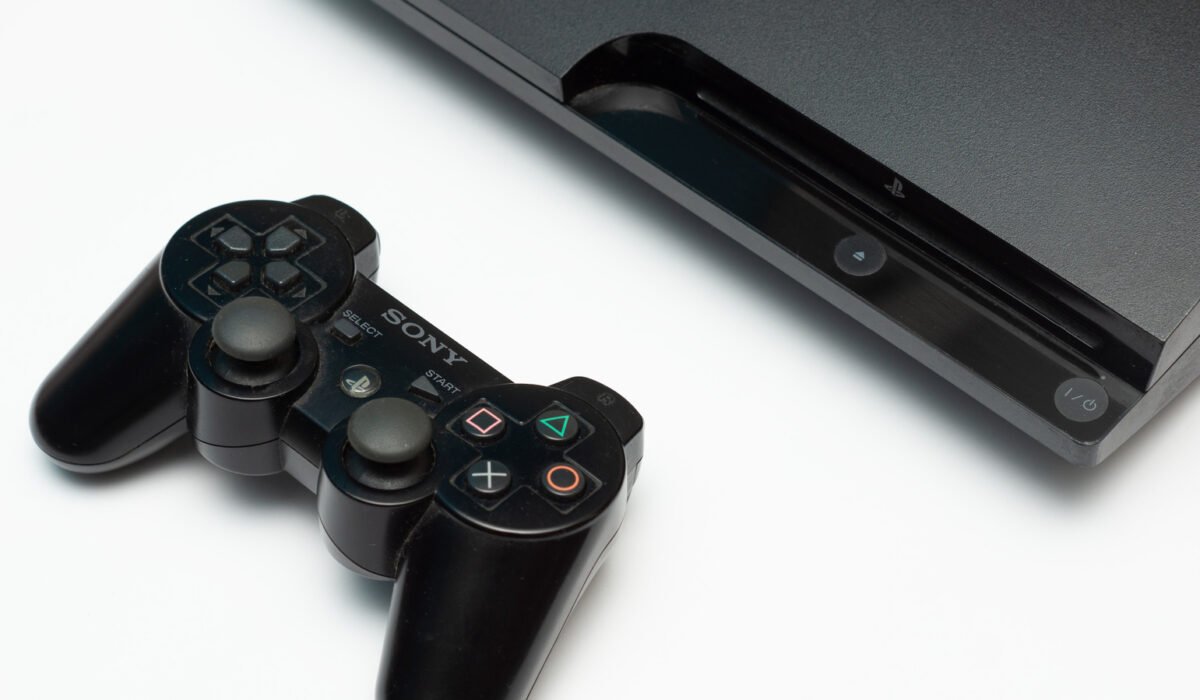
Two decades, 87 million units sold and two newer generations later, the PlayStation 3 has entered its final chapter. As expected, most third‑party services have stopped supporting the console: Crunchyroll removed its app in 2022, Plex followed in 2023, and Netflix ended support in March 2026. That does not mean the hardware is obsolete. With a little time and a few simple steps, a PS3 can still stream movies from a PC, play Blu‑ray discs, rip CDs, run retro games, and even generate a bit of cash.
Use the PS3 as a disc player
Out of the box the PS3’s disc drive handles audio CDs, DVDs and Blu‑ray discs without any hidden menus or custom firmware. When connected via HDMI, the console’s built‑in upscaler can boost standard‑definition DVDs to HD, up to 1080p. To enable upscaling, go to Settings > Video Settings, scroll to BD/DVD Upscaler and press X. Choose Normal, Double Scale, Full Screen or Off. For a hands‑free experience you can replace the DualShock 3 controller with the PS3’s BD Remote, which gives full playback control. Keep the system updated to continue watching Blu‑ray titles, as the Advanced Access Content System (AACS) protection requires periodic firmware updates. Sony typically releases an update once a year; if the console is offline you can download the file from Sony’s website onto a USB drive and install it manually.
Stream media from your PC
The PS3 supports DLNA, a home‑networking standard that lets you stream content from another device on the same network. To turn it on, open Settings > Network Settings and enable Media Server Connection. Your PC’s shared libraries will then appear under Photo, Music and Video on the main menu. Windows Media Player can serve files, but it only works with formats the PS3 understands. The free Universal Media Server works on Windows, macOS and Linux and transcodes unsupported files in real time, providing a smoother experience. A simpler alternative is to load a USB flash drive with movies and TV shows, format it to FAT32, and create root folders named VIDEO, MUSIC and PICTURES. Remember that FAT32 caps individual files at 4 GB and limits video playback to 1080p.
Play retro games
Every PS3 can run original PlayStation 1 titles, while only the early “fat” models also accept PlayStation 2 discs. If your console is not one of the few backward‑compatible PS2 units, you can still buy Digital PS2 Classics from the PlayStation Store, which remains accessible on the PS3. The store no longer accepts credit cards or PayPal, so a PlayStation gift card is required. For deeper nostalgia, you can install emulators for systems such as the Super Nintendo or Sega CD, but this requires jailbreaking the console. Jailbreaking violates Sony’s licensing terms and carries a risk of rendering the hardware unusable.
Rip your CD collection
Turning physical CDs into digital files is straightforward on the PS3. Insert a disc, go to Music on the main menu, highlight the CD icon, press the triangle button and select Import. The tracks are saved to the internal hard drive as 128 kbps AAC files, which is adequate for casual listening. To improve quality, open Settings > Music Settings > Audio CD Import and choose MP3 320 kbps or a higher‑quality AAC setting. Ripped songs can be organized into playlists, played in the background while gaming, or copied to a FAT32‑formatted USB drive via the Music menu’s Copy option.
Sell the console for cash
There are always buyers interested in a dust‑free PS3 that has been sitting in a cupboard. Knowing where to look can make the process easier, and there are three primary avenues for finding a buyer.