Higgsfield AI is a browser based studio for making AI video and images, and it takes a different approach from most of its rivals. Instead of selling you one model, it bundles several leading video models, including Kling, Seedance, Veo and Sora, behind a single credit balance. You type a prompt, pick a model, and the platform spends credits from the same pool whichever engine you choose. It launched publicly in 2025, founded by former Google Brain engineers, and it has quickly become one of the better known names in cinematic AI video.
We have been using it on the Pro plan for client video work, so this review is based on paid, everyday use rather than a free trial. Here is what it does well, what it costs, and where it still falls short.
How it works
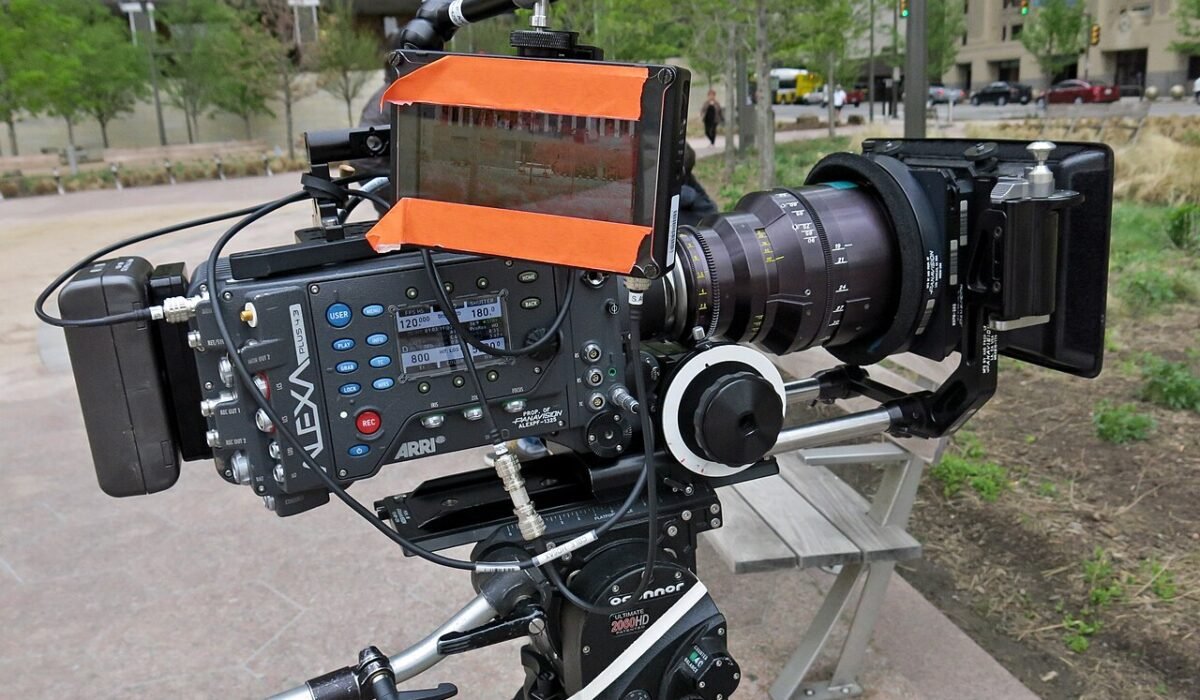
Everything runs in the browser, so there is nothing to install. The main workflow is simple: describe the shot in plain words, or upload a still image and ask the model to animate it, then choose the model and the clip length. Higgsfield also has its own tools on top of the third party models, including Soul ID for consistent characters and a Cinema Studio mode aimed at film style shots with camera movement, lighting and depth of field that look closer to a real set than to a phone clip.
That multi model setup is the real selling point. A single prompt can behave very differently across engines, and switching from Seedance to Kling to Veo without another account saves real time. Test the same idea on two or three models and keep the best result.
Pricing and credits
Higgsfield sells monthly credit allowances. A free account gives you a limited set of models, and every output carries a watermark. The Basic plan costs $9 a month for 120 credits. Pro costs $29 a month, or $23 a month when billed annually, for 600 credits. Max costs $79 a month, or $59 a month billed annually, for 1,800 credits. Larger credit packs are available inside Pro and Max if you need more.
What a credit buys depends on the model, the resolution and the clip length. On Pro, the pricing page works out at roughly 40 Seedance 2.5 videos a month from the 600 credit pool, and cheaper models stretch much further. Pro and Max also include rotating seven day unlimited windows on selected models, including Kling 3.0 and Nano Banana 2, which can be the best value in the whole subscription if you plan a batch of generations inside that window.
Our experience matches the price math. The Pro plan covers a steady flow of short client clips, but a heavy week of long 1080p generations can eat half the monthly pool in a few days.
What it is good at
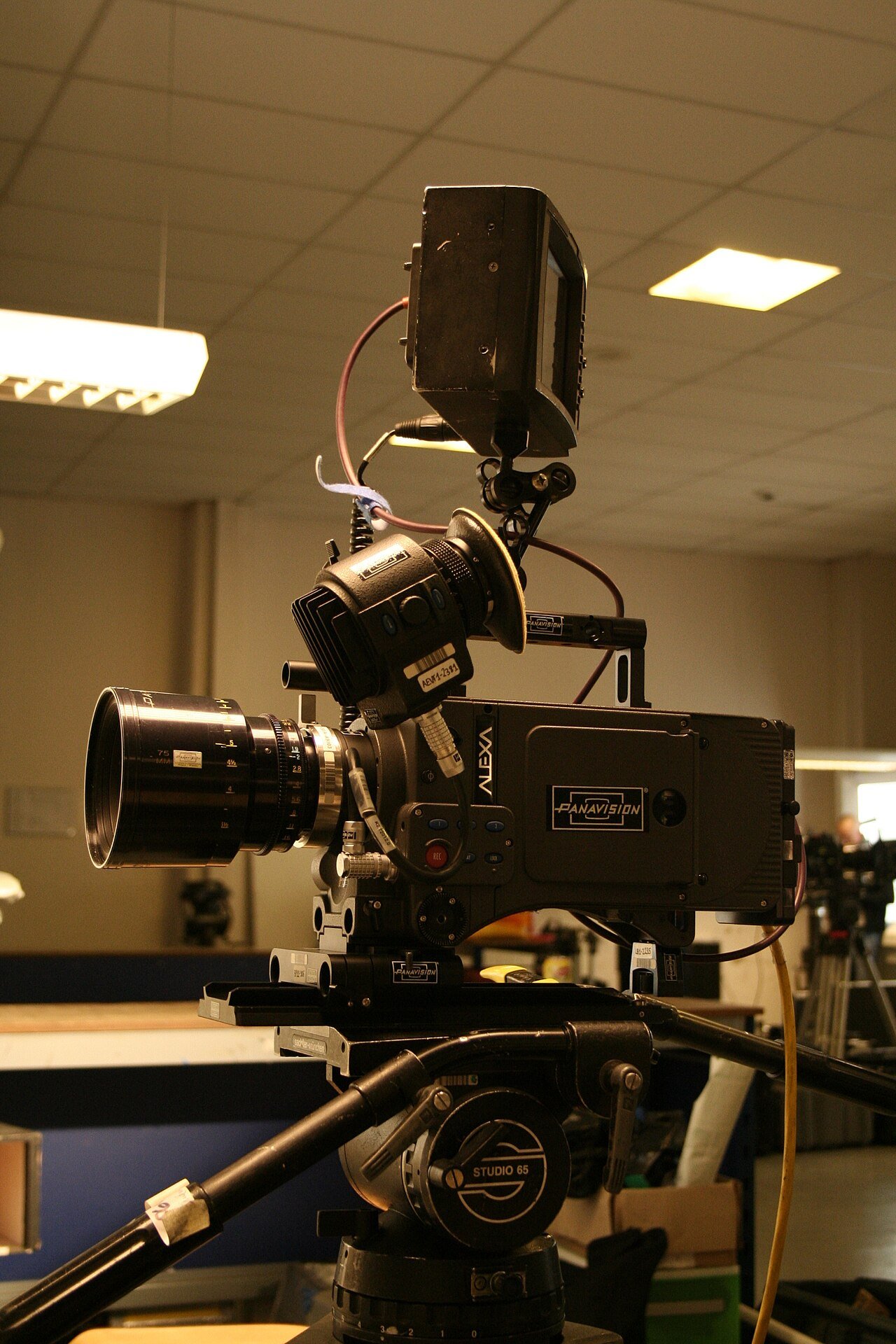
Short cinematic clips are where Higgsfield earns its keep. Product shots, establishing shots, title sequences, and mood pieces come out looking polished, especially when you give the model a clear camera direction, such as a slow push in or a low angle, and describe the light. Image to video is the most reliable workflow we found: start from a good still, and the model has far less room to invent the wrong scene.
It is also genuinely useful for client work where the budget does not stretch to a shoot. A small business that needs a 10 second hero clip for a landing page can get one in an afternoon instead of booking a crew. For social media, short vertical clips and teasers are quick to produce and easy to iterate.
Where it falls short
AI video is still AI video. Faces and hands can drift, text inside a scene often comes out wrong, and a clip that looks perfect for four seconds can fall apart in the fifth. Expect a few tries for every keeper clip, and budget your credits for the misses, not just the hits. Long, dialogue heavy scenes are still a weak point, and if you need an exact product, an exact logo or an exact location, a real camera remains the safer choice.
The credit system rewards planning. Random experimenting burns a monthly allowance fast, so write the prompt carefully, test with short clips first, and only spend credits on a full version once the test looks right.
Who should try it
Higgsfield suits creators, marketers and small teams who need cinematic looking video without a film crew, and who are comfortable iterating. It is less suited to anyone who needs frame accurate control or who generates rarely, since unused credits do not stretch across months. The free tier is a fair way to test it, watermark and all, before paying.
Our verdict after weeks of paid use: it is one of the most practical AI video tools we have tried, because the multi model choice and the Pro price make usable clips easy without juggling subscriptions. It will not replace a camera crew, but for short cinematic video it comes closer than most tools at this price.
Try Higgsfield AI: you can try Higgsfield here. New signups through that link can get up to 50% off for three hours.
Disclosure: This article contains an affiliate link. If you sign up through it, we may earn a commission at no extra cost to you.