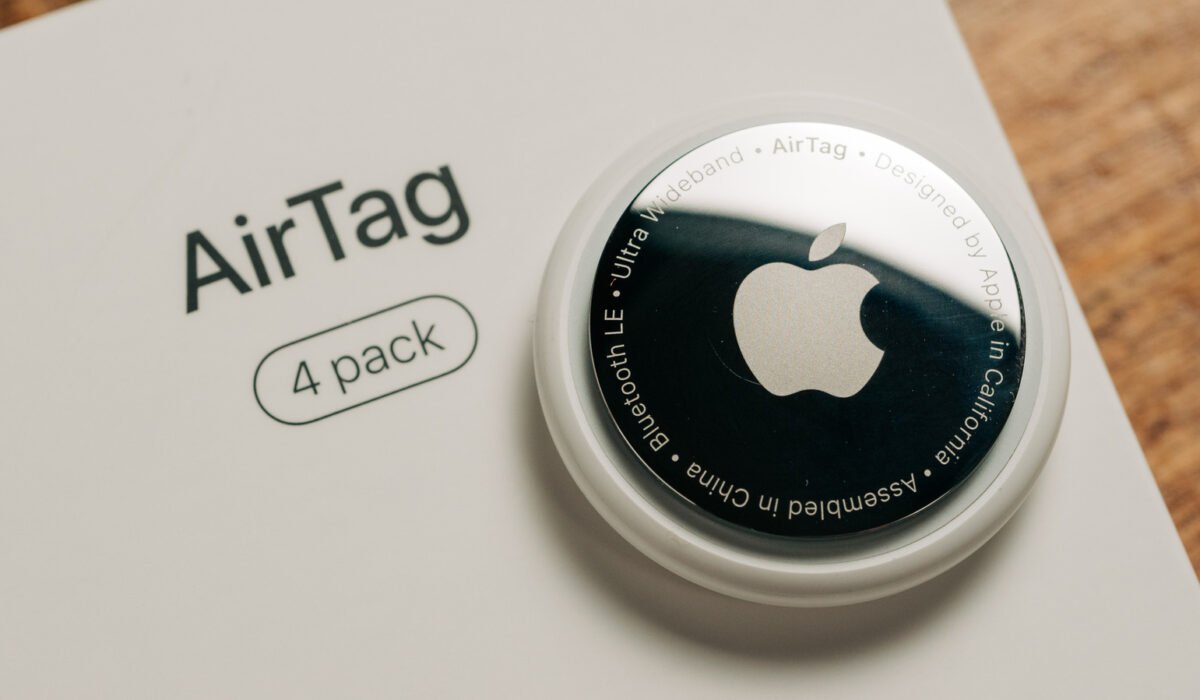
Apple’s AirTag is a popular tool for travelers and anyone who tends to misplace items, and one of its biggest advantages is that it does not need regular recharging. The device runs on a standard coin‑cell battery, which Apple claims can last more than a year before a replacement is required. In real‑world use, however, the battery may deplete more quickly, depending on how often the tag’s features are employed. Even the second‑generation AirTag, released earlier this year, offers the same battery performance as the original model. Fortunately, a few simple habits can help you get the most out of the battery, whether you are setting up a new AirTag or troubleshooting an older one.
**Battery type and expected performance**
Every AirTag is powered by a CR2032 coin‑cell battery, a 3‑volt lithium cell commonly found in car key fobs and watches. These batteries are widely available on Amazon and at most drugstores or supermarkets, and they typically cost about a dollar each. A new AirTag arrives with a battery already installed. To replace it, press and twist the steel cover on the back of the device until it lifts off, remove the old cell, insert a fresh one with the positive side facing up, then replace the cover and twist it back into place. If the replacement is done correctly, the AirTag will emit a short sound to confirm it is active again.
Apple’s estimate that a single battery will last a year or more holds true for most users. Heavy or frequent use of the tag’s features can shorten that span to a few months. You can check the battery level in the Find My app by opening the Items tab; an orange battery icon next to an AirTag signals that the coin cell should be swapped out. When the battery is healthy, no icon appears. Earlier versions of Find My displayed a battery indicator at all times, but Apple removed it because it was often inaccurate. As the battery nears the end of its life, some functions are disabled to conserve power: precision finding stops working and the tag will no longer play sounds.
If you want to avoid an unexpected shutdown, set a reminder to check the battery a year after you replace it.
**Tips for prolonging battery life**
AirTags do not have an on/off switch; they continuously broadcast their location to nearby Apple devices. Certain actions, however, draw more power and can accelerate battery drain.
– Repeatedly activating the sound alert forces the speaker to operate each time, using more energy.
– Using Precision Finding engages the Ultra Wideband chip, which consumes additional power.
– Frequently opening the Find My app to locate a tag that is only a room away also uses battery.
These features are fine for normal use, but some users enjoy experimenting with them, which can shorten the battery’s lifespan. When the battery is already low, such activities may reduce the remaining power to just a few days or weeks. If you find yourself on a trip with a low‑power AirTag and cannot replace the battery, limit tracking and locating the tag to essential situations only.
Choosing a high‑quality battery helps as well. Generic CR2032 cells often hold less charge, so it is advisable to buy from a reputable brand. Apple recommends the Duracell 2032 Lithium Coin Battery, but be aware that some bitterant‑coated CR2032 batteries may not function properly in an AirTag.
Temperature also plays a role. Avoid exposing the tag to extreme heat or cold; Apple rates the device for operation between –4 °F and 140 °F (–20 °C to 60 °C). Leaving an AirTag in a hot car trunk, for example, can reduce its battery life. Additionally, a tag that is constantly moving will ping its location more often, leading to faster drain. It is normal for an AirTag placed in a vehicle to run out of power before one attached to a keychain.