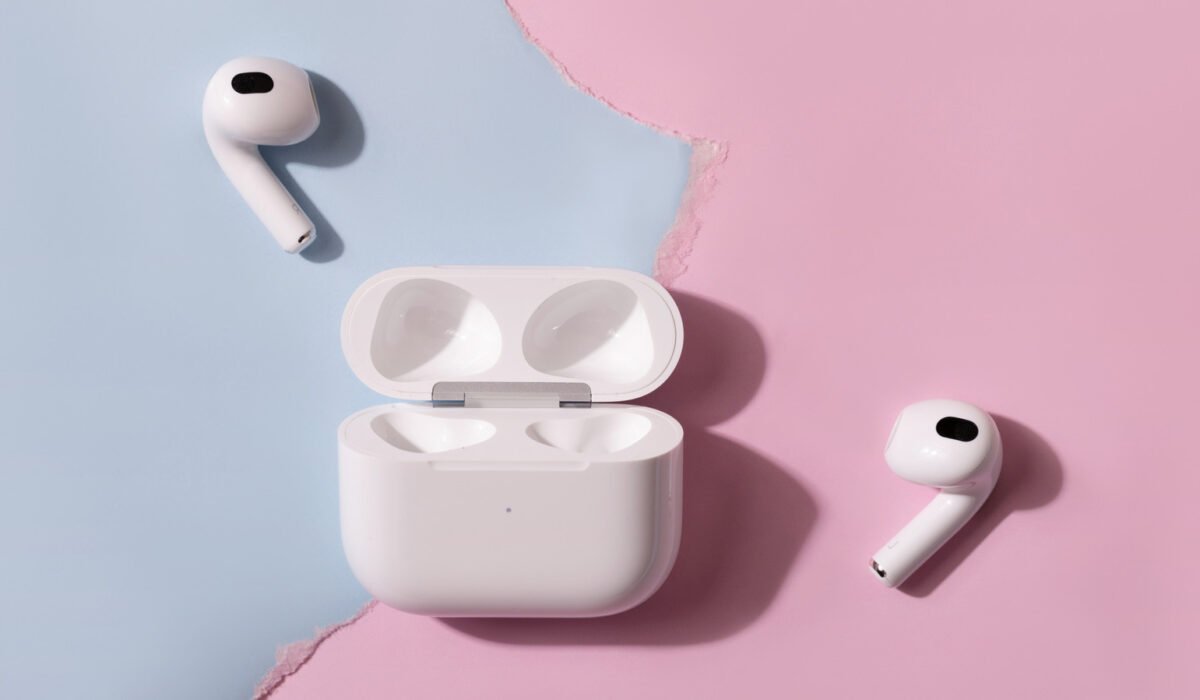
Apple’s AirPods will connect to an Android phone just like any other Bluetooth accessory, but the majority of their advanced functions remain tied to an iPhone, iPad or Mac. By Luke James, Oct. 25, 2026, 12:45 pm EST
When you open an AirPods case next to an iPhone, a card appears showing the earbuds, their battery levels and a one‑tap connect button. Doing the same with a Samsung Galaxy phone shows nothing; you must press the front of the case on AirPods 4, AirPods 5 or AirPods Pro 3 (or hold the button on older models) until the light turns white, then pair them manually in the Bluetooth menu.
Beyond the extra steps, several features disappear outside Apple’s ecosystem. Apple notes that you cannot use Siri, but even that understates the loss. Automatic device switching, ear detection, Spatial Audio with head tracking, the Ear Tip Fit Test, Live Translation, hearing‑health tools and the heart‑rate sensor on AirPods Pro 3 all rely on an iPhone, iPad or Mac. Firmware updates and Find My also require Apple hardware.
Some third‑party apps can restore a few functions, but at $249 the AirPods Pro 3 cost as much as Samsung’s Galaxy Buds 4 Pro, which Samsung claims reach their “full potential” when paired with a Galaxy phone.
**Features that need an Apple device**
All AirPods settings—press‑and‑hold actions on the stem, automatic ear detection that pauses playback when you remove an earbud, Spatial Audio, head tracking, Adaptive Audio, Conversation Awareness and Personalized Volume—must be configured on an Apple device. Live Translation on recent models such as AirPods Pro 3 and AirPods 5 processes through an Apple‑Intelligence‑compatible iPhone (iPhone 15 Pro or newer). Hearing‑test, hearing‑aid and hearing‑protection features on AirPods Pro 2 and 3 are set up on an iPhone or iPad, while heart‑rate data from AirPods Pro 3 is sent to Apple’s Fitness app.
Automatic switching works only between devices signed in to the same Apple ID; because Apple uses its own system instead of standard Bluetooth multipoint, AirPods cannot stay connected to two non‑Apple devices at once.
**What still works on Android**
When connected to a Galaxy phone, pressing the stem still plays, pauses and skips tracks, though you cannot customize those controls. Noise cancellation on AirPods Pro 2 performs similarly on Android and iOS, according to SoundGuys. Sound quality may vary because AirPods stream using the AAC codec, and older tests showed Android phones handling AAC less efficiently than iPhones.
**Firmware and Find My**
Apple says firmware updates happen automatically while the AirPods charge and are within Bluetooth range of a Wi‑Fi‑connected iPhone, iPad or Mac. Without such a device you must schedule a visit to an Apple Store or an authorized service provider. Firmware 9A348 introduced a custom EQ for AirPods 4 and later, as well as AirPods Pro 2 and later, but the EQ can only be adjusted in the AirPods settings menu that exists on Apple devices. Apple provides a Beats Android app for firmware updates, but no equivalent exists for AirPods.
Find My works through iCloud.com/find, but the AirPods must first be paired with an iPhone or iPad signed into your Apple account. If they have never been paired, they will not appear in the service. Even when paired, the web version can only show location and play a sound; it cannot trigger a sound from the charging case. Losing AirPods in an Android‑only setup leaves you on your own.
**Regaining some functionality on Android**
Free apps like CAPod on Google Play add a battery pop‑up when you open the case and enable automatic play and pause based on ear detection. LibrePods, an open‑source project, unlocks noise‑control modes, Conversation Awareness, head gestures and the long‑press setting. It originally required a rooted phone, but a recent Android bug fix removed that requirement.
**How Samsung’s own earbuds compare**
Samsung announced that Galaxy owners will need One UI 9, which began rolling out to the Galaxy S26 series in September, to access all features of the Galaxy Buds 4 Pro. Priced at $249—the same as AirPods Pro 3—the Buds 4 Pro offer Auto Switch between Samsung devices, 360 Audio and 24‑bit/96 kHz playback via Samsung’s Seamless Codec, which requires One UI 6.1.1 or later. In our review we gave the Buds 4 Pro an 86, noting that noise cancellation was its main weak spot.
In short, when paired with a Samsung Galaxy phone AirPods function as solid Bluetooth earbuds, but they miss many of the premium features that make AirPods Pro 3 a richer experience on an iPhone.