By Roger Fingas · Oct. 24, 2026 · 12:00 pm EST
Streaming services such as Netflix and Disney+ recommend at least 5 Mbps for 1080p video and around 25 Mbps for 4K HDR content, which also often includes a compressed Dolby Atmos track. Because of those requirements, the way a television connects to the internet matters as much as the speed of the broadband plan itself. A weak router, an outdated device, or a sudden surge of traffic from a neighbor can create a bottleneck that feels just as limiting as a low‑tier internet subscription.
When deciding between Wi‑Fi and Ethernet for a smart TV, many people assume Ethernet is always the better choice. In practice, Wi‑Fi frequently delivers higher raw speeds, especially on newer models equipped with Wi‑Fi 6, which can surpass gigabit rates when paired with a compatible router under ideal conditions. Real‑world performance is usually lower, because even a gigabit plan must be shared among all devices in the home. Nonetheless, half a gigabit is more than sufficient for most families, and even older or budget TVs with Wi‑Fi 5 can handle streaming without issue.
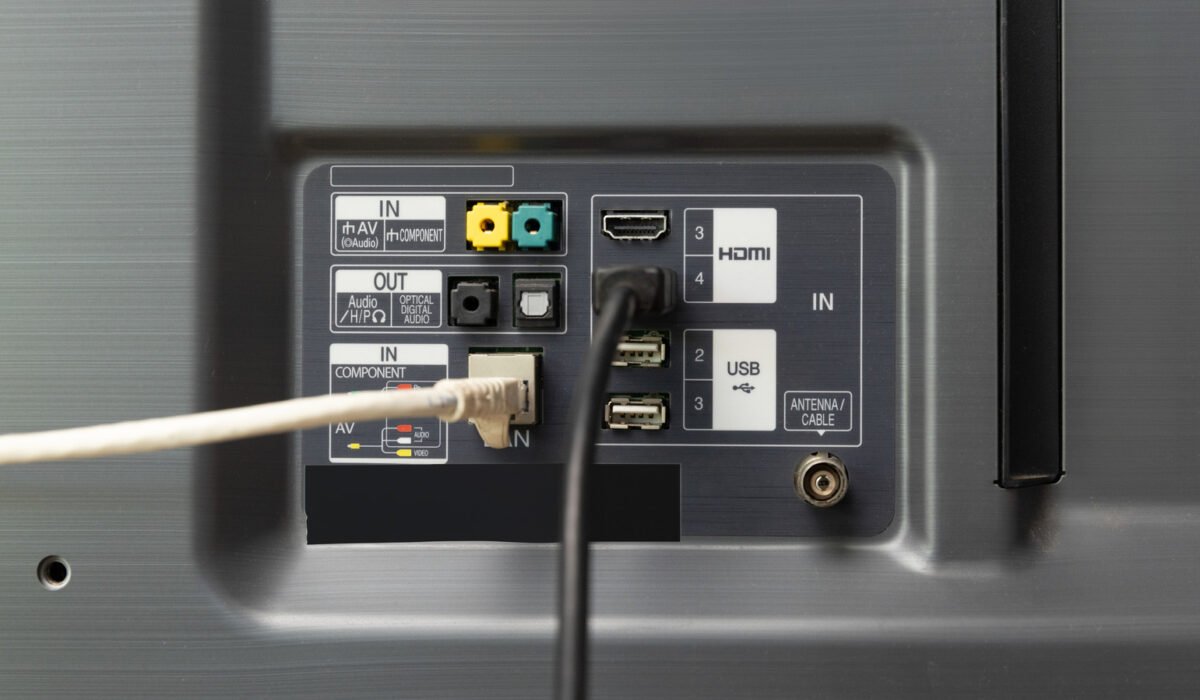
A larger obstacle for Ethernet is that many TVs and streaming boxes only support 100 Mbps Ethernet ports, a limitation that has persisted despite the availability of gigabit Ethernet for decades. This mirrors other cost‑saving choices, such as the continued inclusion of HDMI 2.0 on many sets long after HDMI 2.1 became standard.
The primary advantage of a wired connection is its stability. A properly shielded Cat 6 cable can carry up to 1 Gbps over 100 meters (about 328 feet) without the interference or range loss that Wi‑Fi experiences. Because each Ethernet device has its own dedicated channel, congestion is essentially eliminated. This reliability matters when a stream drops packets or loses signal quality, which can trigger buffering or a downgrade to a lower resolution. In contrast, a fast Wi‑Fi link—whether 500 Mbps or 1 Gbps—offers little extra benefit for a 4K stream, aside from slightly quicker app updates that are infrequent on televisions.
Wiring a home theater with Ethernet can be impractical. While a 10‑foot Cat 6 cable costs under $10, the distance between the router and the TV often forces cables to snake across living rooms or hallways, creating an unsightly mess. Flat Ethernet cables look tidy but frequently perform poorly. For most users, Ethernet makes sense only when it is convenient or when Wi‑Fi reliability is seriously compromised. If the Wi‑Fi signal is already strong, occasional hiccups are outweighed by the convenience of a wireless setup and the avoidance of extra cabling.
Improving Wi‑Fi is often straightforward: place the router on a shelf or table, keep it out of the floor and away from obstacles, and ensure it has a clear line of sight to the TV. If the TV still struggles, connect other devices—such as a laptop—to Ethernet to free up wireless bandwidth for the television.