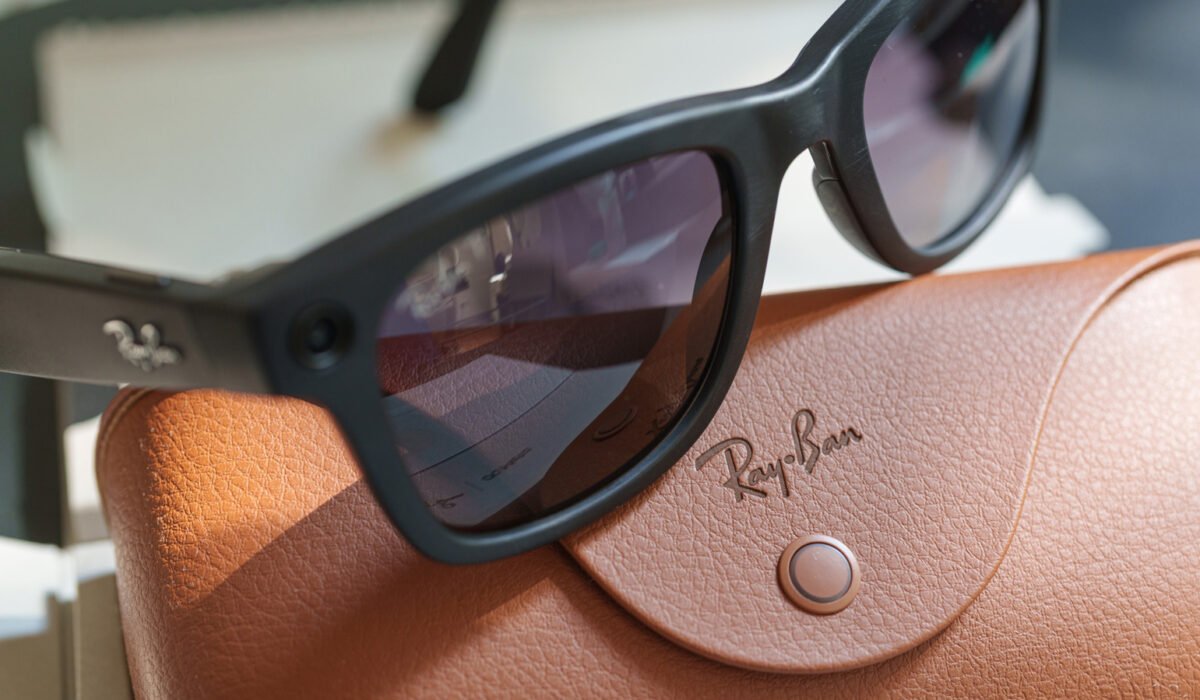
Ray‑Ban Meta glasses let you control some of the data they collect, but you have to know where the options are hidden. The devices can capture photos with a tap, listen for the phrase “Hey Meta,” and store content in the cloud, so it’s worth reviewing the privacy menu before wearing them everywhere. Gallery images and visual queries processed by Meta AI follow different rules, and some sharing features are optional. Below are four settings you can change to limit the amount of data that is collected, uploaded or stored, though each tweak may sacrifice a bit of convenience.
Turn off “Hey Meta” to prevent accidental wake‑ups
The glasses respond to the voice command “Hey Meta,” which can be handy but may also trigger unintentionally during a normal conversation. When voice activation is enabled, the microphones are constantly listening for those two words. In the United States, Meta now stores recordings of AI voice interactions in the cloud by default; you can delete them manually, but you must remember to do so. If you prefer not to use voice activation, keep the glasses connected to your phone, open the Meta AI app, select your glasses, go to Meta AI > “Hey Meta” preferences, and switch the toggle off. The touchpad on the right temple will still let you summon the assistant, and the microphones remain available for calls and video recordings. Past voice interactions can be reviewed or removed under Glasses privacy > Voice activity log.
Disable cloud backup for your photos
Images and videos you capture for your personal gallery normally stay on the glasses until you transfer them to your phone. Enabling Cloud media lets Meta keep copies on its servers for up to 30 days, adding an extra step for a picture that would otherwise go straight to your camera roll. To turn this off, open Glasses privacy > Cloud media in the Meta AI app and disable the option. You can still take pictures, record videos and import them to your phone, but cloud‑based features such as voice‑controlled sharing and autocapture will no longer work. Meta says that ordinary gallery captures are not used to train its AI models or serve ads, regardless of this setting. Note that disabling Cloud media does not stop images from being sent to Meta when you ask the assistant a visual question, and photos you back up to iCloud or Google Photos will still be stored on those external services.
Stop sending additional usage data
Beyond photos, Meta gathers information about how you use the glasses, including which features you access and how often. This “additional data” helps the company understand user behavior. If you wear the glasses all day, you may prefer not to share these analytics. To opt out, open the Meta AI app, select your connected glasses, go to Glasses privacy > Share additional data, and turn the toggle off. This change does not affect photo handling, calls, or music playback, and it does not stop Meta from collecting data required for device operation and safety. Previously collected data will remain on Meta’s servers.
Prevent visual data from being used to train AI
In September 2026, Meta added a setting that stops visual data generated during AI interactions from being used for model training. When you ask the assistant to identify a plant or translate a menu, the image is sent to Meta’s servers to produce an answer; before this option existed, the same data could be stored for training and reviewed by human contractors. To opt out, open the glasses’ settings in the Meta AI app, choose Meta AI, and disable “Store visual data from AI experiences.” The glasses must be out of the case and linked to your phone for the change to take effect. Meta will still process images to answer your queries, but it will not retain them for training or expose them to human reviewers. Some features, such as visual reminders that let the glasses remember an object for later, may stop working, and Meta has not clarified whether other functions are affected. The setting applies to each pair of glasses individually, so you need to adjust it on every device you own.